
Automating Odoo Database Backups to AWS S3
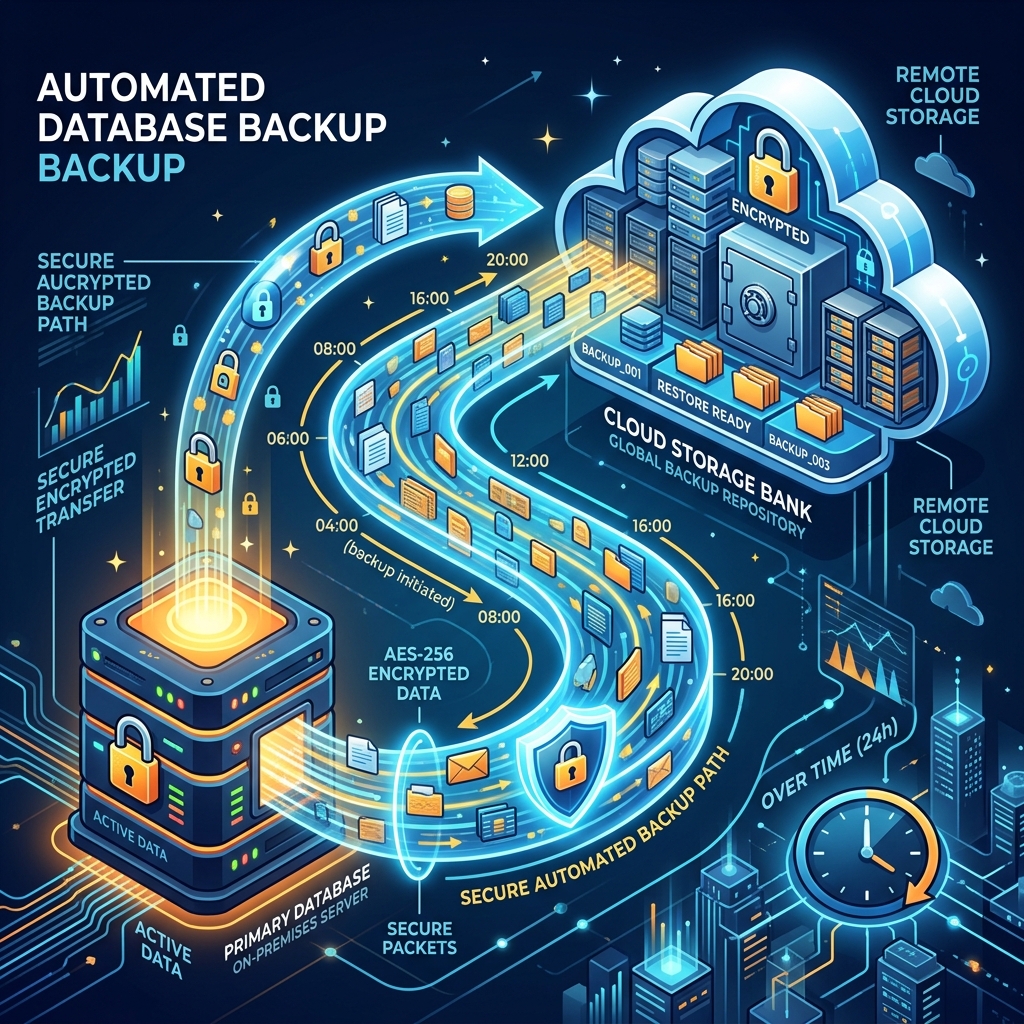
Data loss is disastrous for any ERP system. While EBS snapshots are great for system recovery, maintaining individual database dumps is highly recommended for granular restoration. Here is how to automate daily Odoo database backups to S3.
Step 1: Install AWS CLI
SSH into your Odoo server and install the AWS CLI.
sudo apt update
sudo apt install awscli -y
Configure your credentials (use an IAM user strictly limited to S3 PutObject):
aws configure
# Enter Access Key, Secret Key, and Region
Step 2: Create the Backup Script
Create a bash script at /opt/scripts/odoo_backup.sh.
#!/bin/bash

# Configuration
DB_NAME="production_db"
BACKUP_DIR="/tmp/odoo_backups"
S3_BUCKET="s3://my-odoo-backups-bucket/production/"
DATE=$(date +%Y-%m-%d_%H-%M-%S)
FILE_NAME="${DB_NAME}_${DATE}.zip"

# Ensure temp directory exists
mkdir -p ${BACKUP_DIR}

# Execute Odoo curl backup command (Odoo provides a neat endpoint for this)
# Assuming Odoo runs locally on 8069 and the master password is 'admin_password'
curl -X POST \
    -F "master_pwd=admin_password" \
    -F "name=${DB_NAME}" \
    -F "backup_format=zip" \
    -o ${BACKUP_DIR}/${FILE_NAME} \
    http://localhost:8069/web/database/backup

# Sync to S3
aws s3 cp ${BACKUP_DIR}/${FILE_NAME} ${S3_BUCKET}

# Clean local space
rm ${BACKUP_DIR}/${FILE_NAME}

echo "Backup ${FILE_NAME} pushed to S3 successfully."
Make it executable:
chmod +x /opt/scripts/odoo_backup.sh
Step 3: Automate with Cron
Set up a cron job to execute this script daily at 2:00 AM.
Open crontab:
crontab -e
Add the following line:
0 2 * * * /opt/scripts/odoo_backup.sh > /var/log/odoo_backup.log 2>&1
Step 4: S3 Lifecycle Policies
To avoid runaway storage costs, go to your AWS S3 Console and set up a Lifecycle Rule on your backup bucket. For example:
- Transition to S3 Standard-IA after 30 days.
- Expire (Delete) backups after 90 days.
✅ Done
Your Odoo server will now securely zip and push its state to a highly durable AWS S3 bucket automatically every night.